Skip to content

Highly Reliable

Istock 000010441817xsmall  large

The Elevate voice network is purpose-built for reliability

  • East and West coast data centers provide redundancy and minimize latency
  • Stringent prequalification guidelines and proprietary VoIP network testing help ensure a reliable connection and crystal-clear voice quality


Simplified scaling & management

Fall 2015 release thumb

Elevate scales according to the needs of any business

  • Order service according to the number of users or resources needed today; pay only for what you use
  • Ordering additional service is easy and can be spun up quickly
  • Scales to a large number of users per business

Increased productivity & collaboration

Pexels cottonbro 3205403

Elevate makes a more productive and efficient workforce

  • Mobile devices interact seamlessly with the corporate phone system anywhere, anytime, and on any device, creating a more flexible workforce
  • Video conferencing and screen sharing empowers collaboration in real time
  • Cloud file storage and sharing helps keep documents organized and secure

Business continuity

Businesscontinuitylog 20171031 204807 1

Ensure that you never miss an important business call

  • The Elevate mobile app has full business phone functionality to be used in the event that desk phones become unavailable
  • Cloud-based systems are immune to local outages. Elevate will try all user devices, then dial phone numbers like cell phones, hunt groups, or other auto attendants

Lower cost

0 xe4 lryufcocjtkq

No hardware to buy, install, manage, upgrade or replace

    • Lower infrastructure and operating costs compared to traditional phone service
    • Reduces infrastructure and operating costs; no additional hardware to buy
    • Consolidates voice and data onto one network
    • Flat, per-user rates with unlimited local and long distance calling

    Get started with Elevate today!

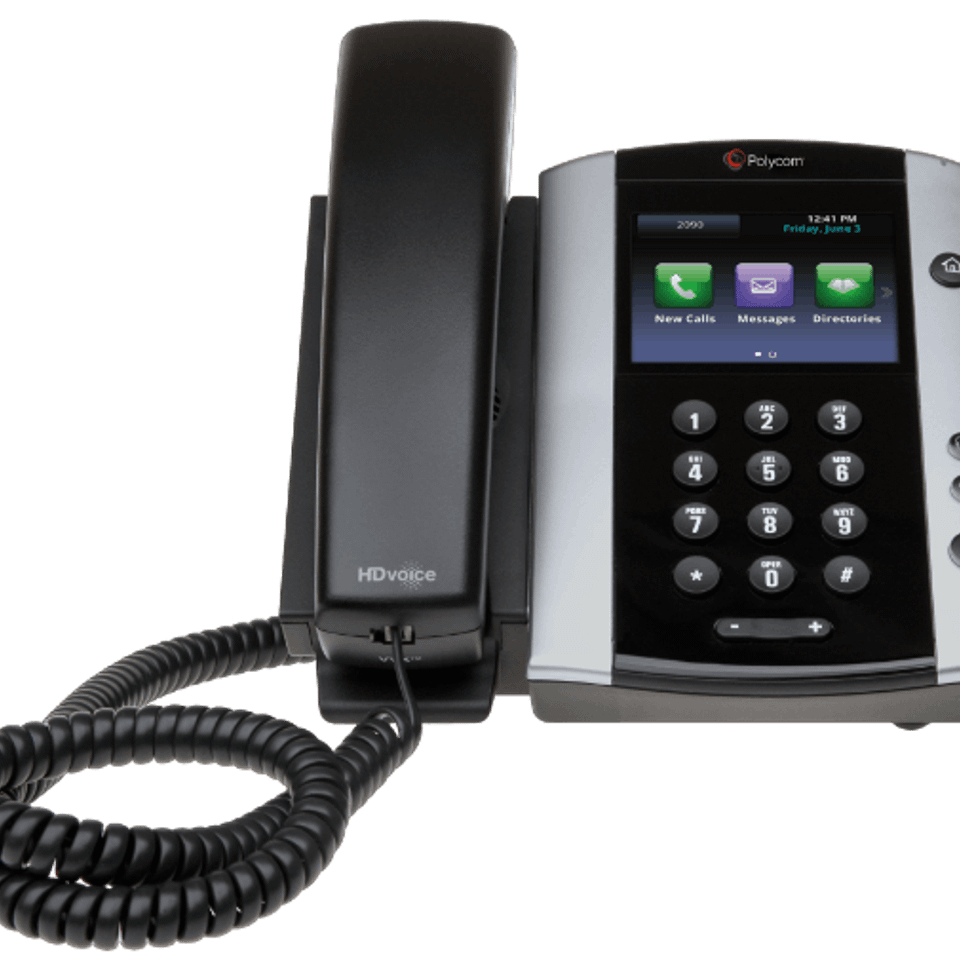
    Desktop Phones

    • Easy-to-use interfaces, rich audio quality, and productivity features
    • Phones are pre-programmed to work seamlessly with Elevate
    • Phones are plug and play and can be used anywhere there is an internet connection*
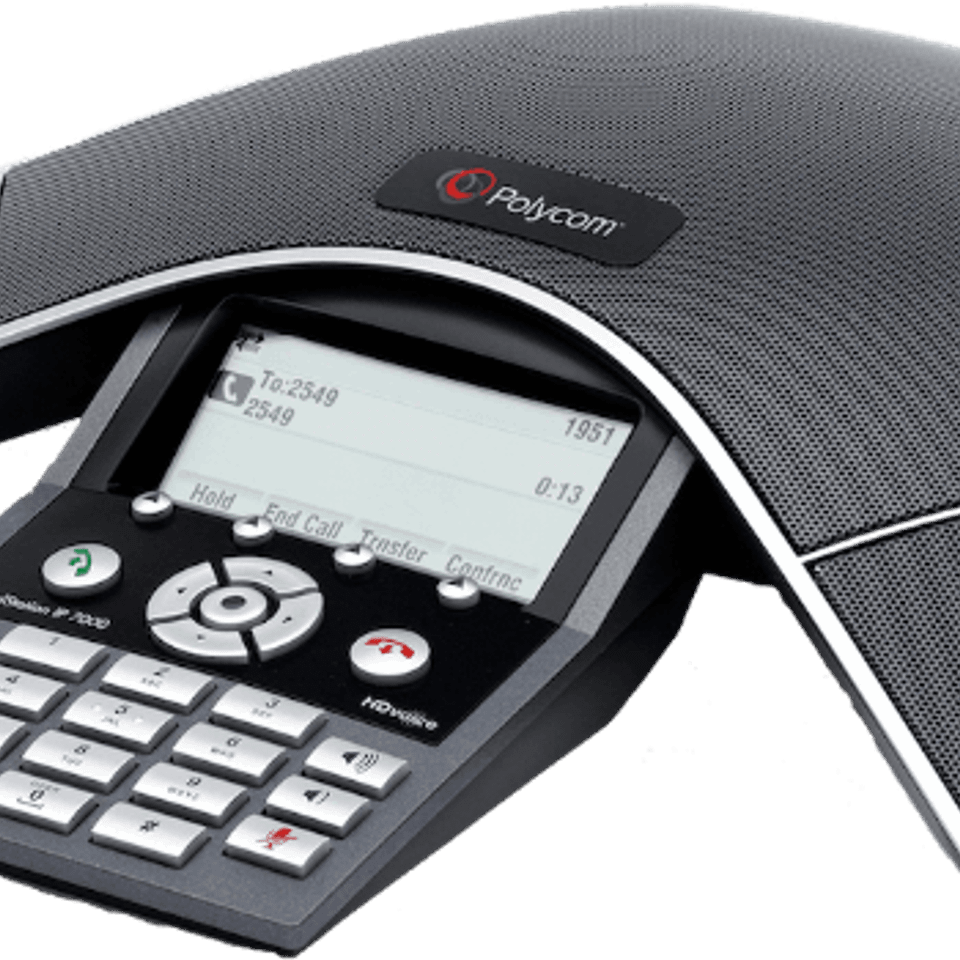
    Soundstation 7000 03 min

    Conference

    Polycom SoundStation
    Sip w60p

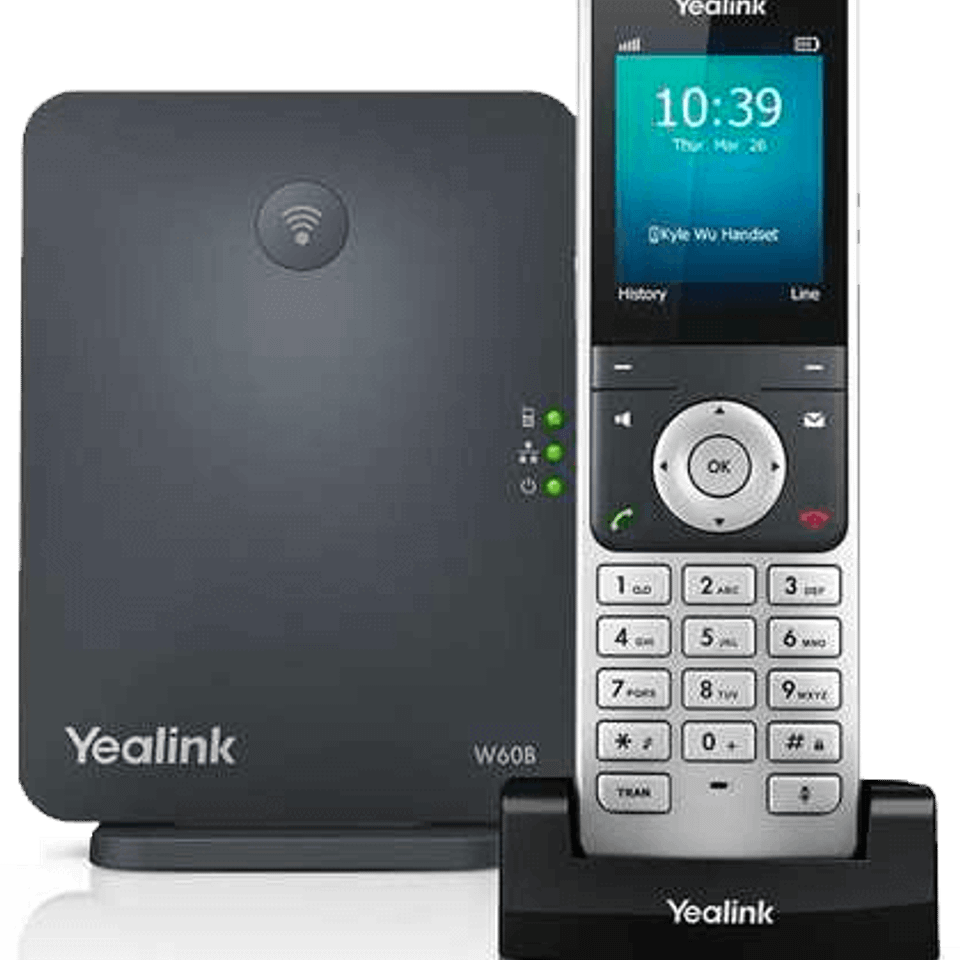
    Cordless

    Yealink DECT
    Vvx 250

    Office Solutions

    Cisco SPA
    Sip t46s

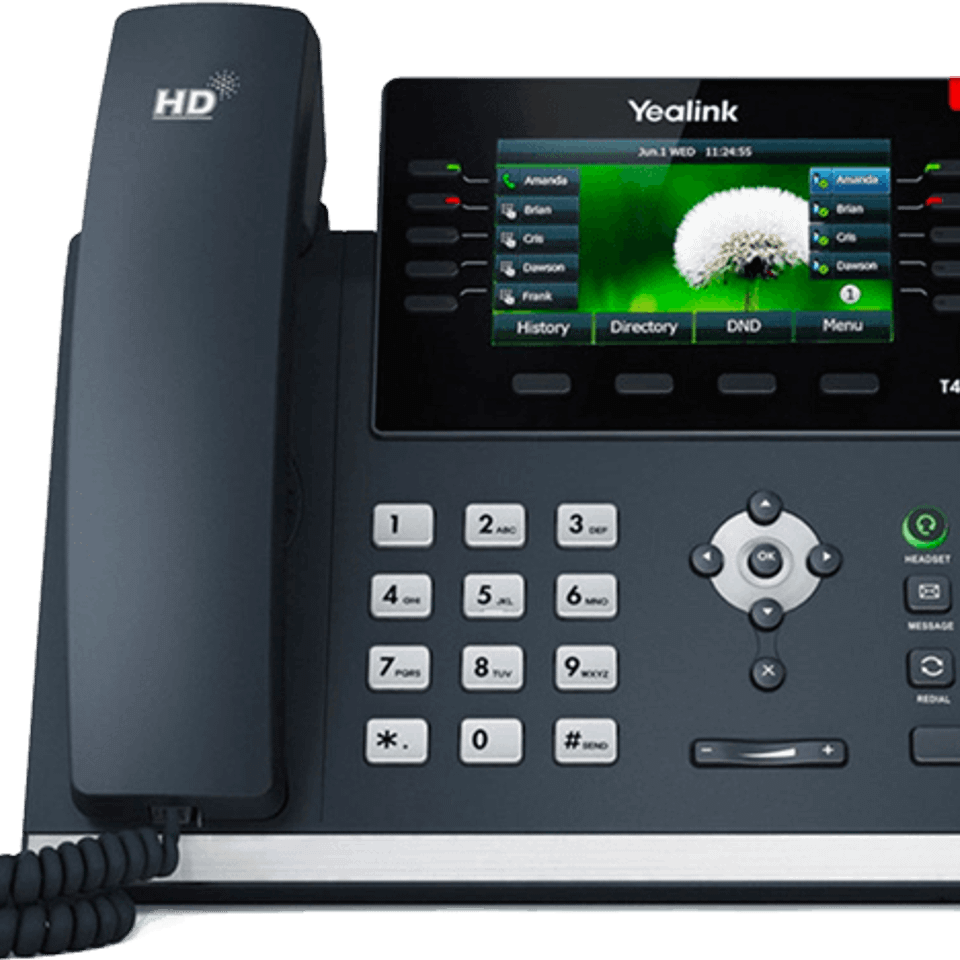
    Yealink Visual

    Yealink T4 Series
    Vvx 501

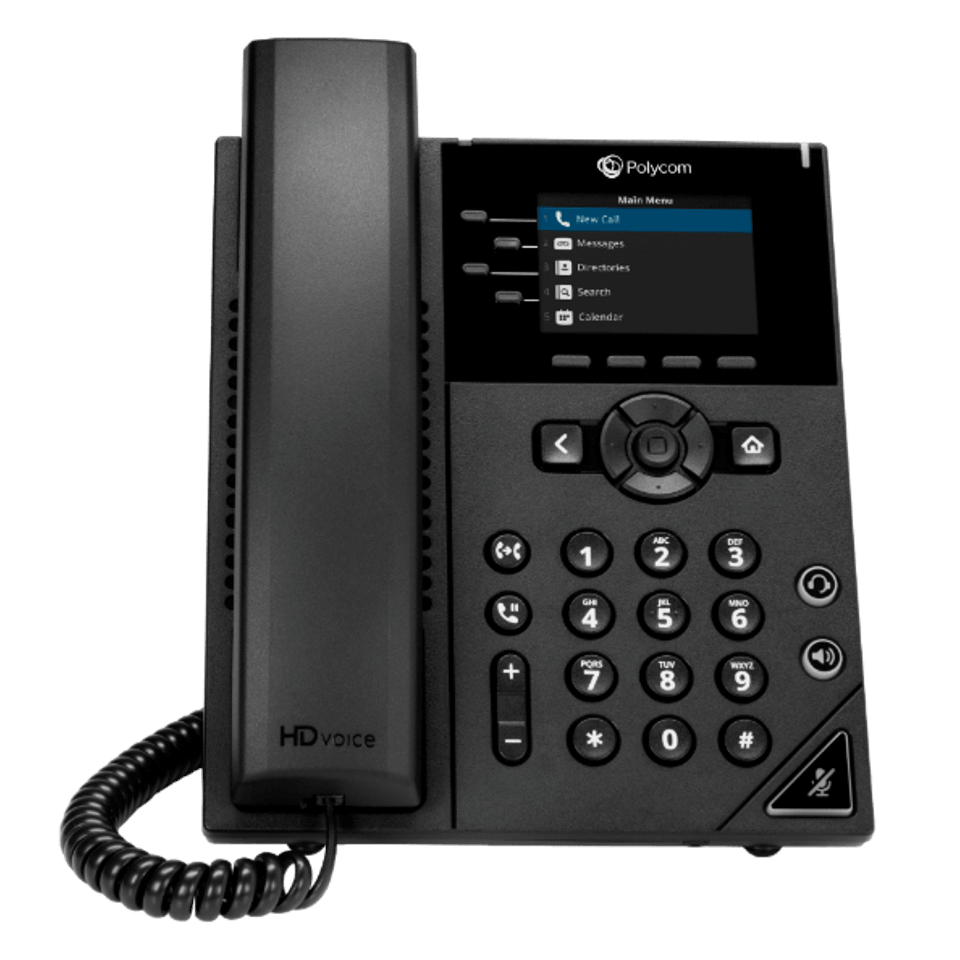
    Deluxe Phone

    Polycom VVX

    Elevate – WHAT’S INCLUDED

    Each account receives

    • Centralized management of all locations
    • Auto Attendant with a direct inward dial phone number
    • Ability to configure up to 10 hunt groups
    • Conferencing: 200 toll-free minutes / month
    • Active directory integration for easy configuration of users
    • Hunt Group reporting
    • Enable/Disable call recording

    Each user receives

    • Local phone number with a unique extension
    • Ability to have up to five endpoints
    • Inbound/Outbound Caller ID
    • WebFax
    • Voicemail box with transcription services
    • Elevate Mobile App & Desktop App
    • Online Meeting with up to 4 participants
      (30 with Elevate Pro)
    • 2GB per user Acuity ShareSync file share and backup (100GB per user with Elevate Pro)

    Elevate Communication Features

    System Features

    • Voicemail with Transcription
    • Auto Attendant
    • Caller ID
    • Custom Hold Music & Greetings
    • Direct Inbound Dialing (DID)
    • Call Flip
    • Conference Bridge
    • Hunt Groups
    • Hunt Group Call Reporting
    • Email and SMS notifications
    • Busy Lamp Field / Call Presence

    Phone Features

    • Call Forward
    • Call Hold
    • Call Recording
    • Call History
    • Call Transfer
    • Call Waiting
    • 3-Way Calling
    • Do Not Disturb
    • Extension Dialing
    • Configurable Ring Options
    • Voicemail

    • Administrator Password
    • Named Ring Groups
    • Page all Phones
    • Call Park
    • Inbound Caller Name
    • Call Flip
    • Configurable Line Keys
    • Speakerphone
    • On-Hook Dialing
    • Remote Line Key
    • Transfer to Voicemail

    Elevate Productivity Features

    Elevate Desktop App

    Notebook 2386034 192020170804 17965 1ibkxeq
    The Elevate desktop app is a free downloadable application for both Mac® and PC. It empowers employees with the flexibility to communicate the way that works best for them: Softphone Mode or Call Controller Mode.
    • Click to call a company contact from the corporate directory
    • Displays line status (presence) of company contacts
    • Call Flip transfers the active call from the desktop to one of the user’s other devices
    • Show multiple concurrent calls, and lets the user switch from call to call
    • When used in conjunction with Acuity Online Meeting, can start an HD video conference or screen share with just a click

    Elevate Mobile App

    Elevate content 100578763 large
    The Elevate mobile app enables a mobile device to become a communications endpoint for the Elevate service. Employees can now call or receive calls through the corporate phone system and utilize enterprise-level calling features, no matter where they are.
    • All the most important features of your desk phone, right on your mobile device
    • Call Flip sends calls directly to your desk phone – without disconnecting your call.
    • Rings your desk and mobile phone simultaneously - no more missed calls.
    • Includes voicemail transcription, as well as on-screen voicemail management.

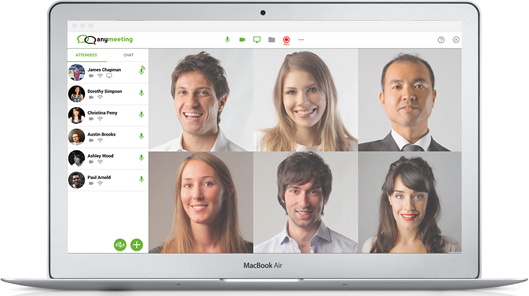
    Video Conferencing & Screen Sharing

    Meeting on laptop 1
    Elevate includes Acuity Online Meeting, an easy-to-use, reliable video collaboration tool. Includes:
    • HD video conferencing eliminates unnecessary travel and empowers teams with remote members to be more productive.
    • Screen sharing. The computer desktop can be shared with team members in real-time, improving collaboration and speed of decision making.
    • Includes a dial-in conference number, and custom URLs for meetings.

    File Sharing & Security 

    What college and university boards risk by using insecure file sharing apps
    File sync and share with backup for desktops, mobile devices, and file servers.
    • The most current version of files from any device
    • Easy and secure file sharing
    • Integration with Windows file server, Exchange Email, Active Directory, Outlook, Office, and Office 365
    • Full control over files, users, devices, and sharing activities